
Fire departments
How Fire Departments Can Show Up in Local Search
· 6 min read
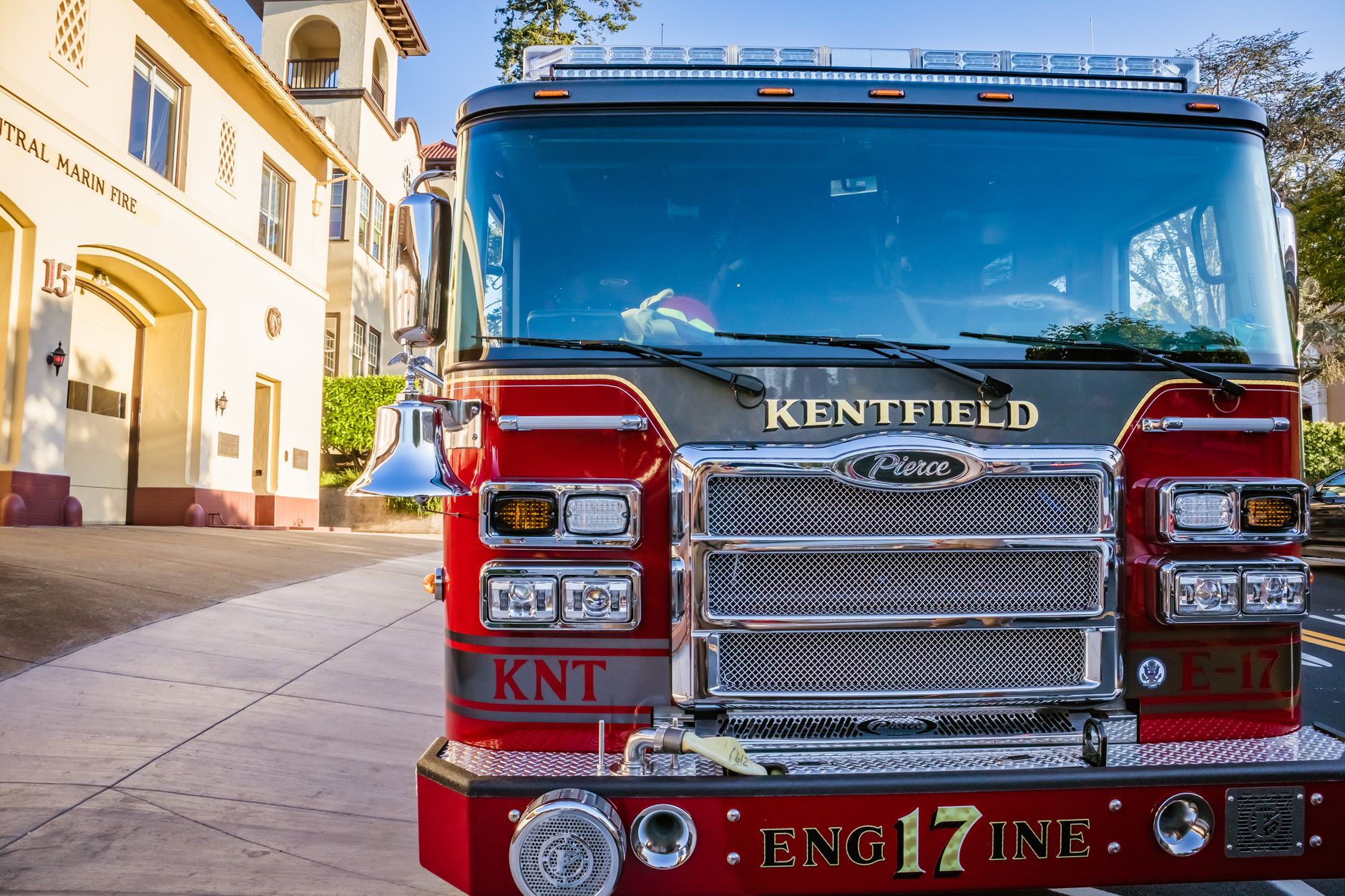
Photo by Robert So on Pexels
When people need you, they search fast
Most of the time, people looking for a fire department are not browsing for fun. They are trying to find a phone number, a station address, burn permit details, a public meeting time, or the right place to ask a question.
If your information is easy to find, that saves time for your crew and helps the public reach the right person the first time. It can mean fewer missed calls, fewer confused messages, and fewer people ending up at the wrong station or with the wrong number.
Local search works in a very simple way: when someone searches for a fire department near them, the search site tries to match their words with your location, your contact details, and the words on your site. If those details are clear and consistent, you have a better chance of showing up where people are looking.
Start with the basics people search for most
Think about the top questions your community asks. For a fire department or fire protection district, these are often:
- What is the station phone number?
- Where is the station located?
- Are you volunteer or career?
- How do I get a burn permit?
- When are meetings or training nights?
- Who do I contact for records or public requests?
Make sure those answers are easy to spot on your homepage and contact page. A visitor should not have to dig through several pages to find the station address or a non-emergency number.
If you need a model for how a department can present this clearly, a fire department website built for local public service can help organize the most asked-for details in one place.
Use the same name, phone number, and address everywhere
This sounds small, but it matters. If your website says one station name, your directory listing says another, and your social page uses a different phone number, people can get mixed up. Search sites also use those details to decide whether your department is a match for a local search.
Pick one official version of your name and use it the same way everywhere. Do the same with your main phone number and station address. If you have more than one station, make it obvious which contact number belongs to which location.
A practical check: search your department name on a phone and see what comes up. If the result looks outdated or confusing, that is a sign to clean it up.
Make each important page say where you serve
Search works better when your site speaks in plain local language. That means mentioning the towns, townships, villages, or districts you serve. It also means using normal words people would actually type, such as “burn permit,” “station number,” or “fire department contact.”
For example, if your district serves three communities, say that clearly on the homepage and contact page. If you cover only one town, say that too. That helps the right people find you and helps others understand whether you are the department they need.
Short, clear phrases usually work better than long formal wording. “Serving Maple Grove, Cedar Hill, and East Township” tells a visitor far more than a mission statement alone.
Keep hours, meetings, and alerts current
One of the fastest ways to lose trust is to leave old information up. If your meeting time changed, your station closed early, or your burn restriction notice is no longer current, update it quickly.
People searching for you often want time-sensitive details. A resident checking on a burn day does not want last month’s notice. A volunteer looking for training night does not want an old calendar.
It helps to keep a simple “news” or “updates” area for:
- meeting dates
- burn ban notices
- public education events
- recruitment nights
- road closures or station access changes
When updates stay current, your site becomes more useful to the public and easier for your team to trust.
Make phone calls and phone searches easy
Many local searches happen on phones, often in a hurry. That means your phone number should be easy to tap, and your address should open clearly in maps. Your most important contact buttons should work well on a small screen.
Also think about the words around those buttons. Label the main line as “Station Phone” or “Non-Emergency Contact” instead of leaving visitors to guess. If there is a separate line for records, fire prevention, or open burning questions, say so directly.
People should not have to wonder whether they are calling the right place. Clear labels reduce wrong calls and save time for everyone.
Use plain wording that matches real searches
Search tools do better when your site sounds like a real person wrote it for real neighbors. You do not need polished slogans. You need the words people actually use.
Instead of only saying “community service excellence,” also say what you do: emergency response, fire prevention, public education, inspections, permits, and district service area details. That gives search sites and visitors a better picture of your department.
Good local search often comes down to one question: when someone nearby asks for help, does your site answer the exact thing they meant?
That is why Mainfolk keeps public details front and center on fire department sites. When the right information is clear, people spend less time searching and more time getting the help or answer they need.
A simple checklist you can use this week
- Check that your main phone number is correct and easy to find.
- Confirm your station address and service area names are up to date.
- Put burn permit, meeting, and non-emergency contact details near the top.
- Replace old dates, old notices, and outdated meeting times.
- Make sure your site uses the same department name everywhere.
- Open your site on a phone and see if a visitor can find the basics in under 10 seconds.
If you can do those six things, you will already be helping more people find the right answer faster. For a department, that means fewer missed opportunities, fewer repeat questions, and a better chance that the public reaches the right place when it matters.
Free download: grab our fire department website checklist — the short, plain-English list of what your site needs to get found and bring in calls. No cost, no obligation.
Common questions
What do people usually search for when they look for a fire department?
Most people want a station phone number, address, burn permit details, meeting times, or the right person to contact for a question.
Does it help to list the towns or district you serve?
Yes. Clear service area names help the right local people find you and help others know whether your department covers their area.
How often should we update our website information?
Update it any time a phone number, meeting time, burn notice, or station detail changes. Old information can quickly confuse the public.